Twitch clip datetime userscript
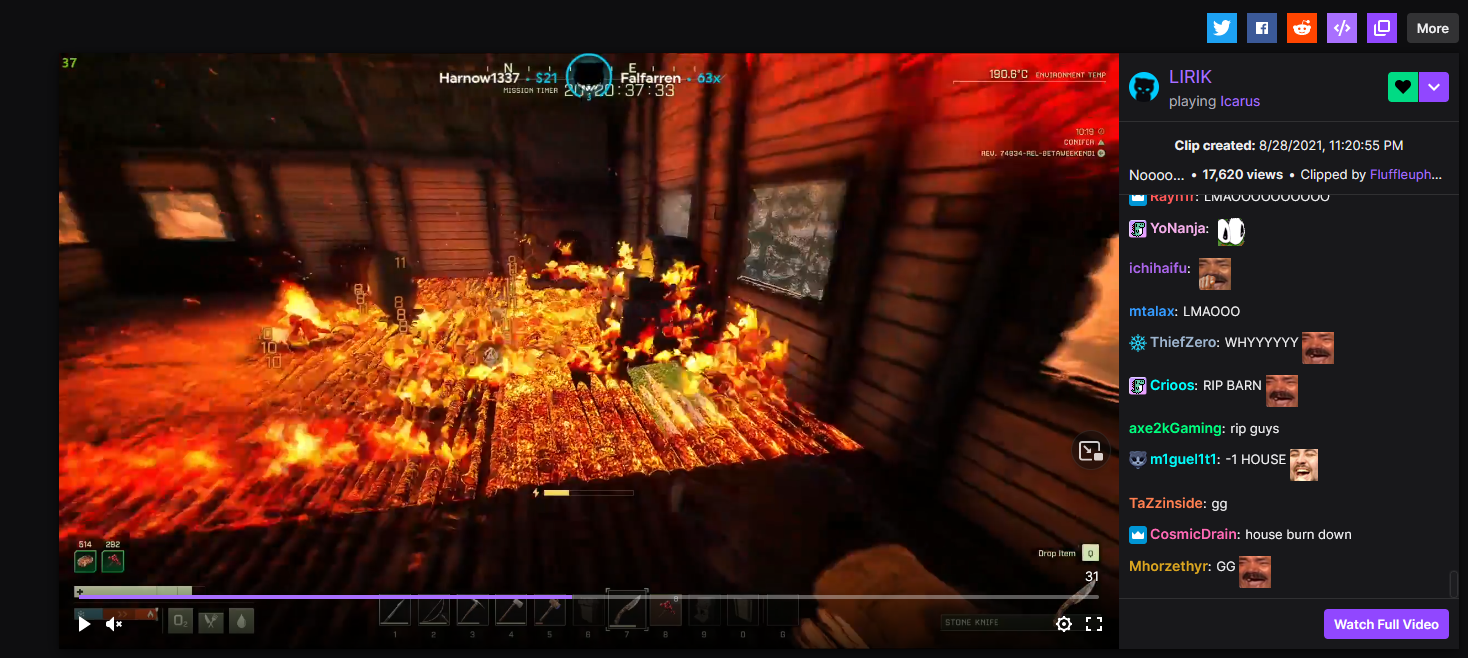
A userscript for displaying the actual date & time (relative to local time) of when a Twitch clip was created.
FYI: It only works on URLs that start with https://clips.twitch.tv/.
This script does not work with URLs that are on the Twitch "channel pages" (https://www.twitch.tv/CHANNEL_NAME_HERE/clip/...).
"Under the hood" the script uses Date.toLocaleString() to format the date. The format of the date & time may differ from the screenshots below.
Requirements:
- Something like the Tampermonkey extension installed for your browser.
Installation:
- Install a userscript extension (such as Tampermonkey).
- Click on this link when Tampermonkey is installed, and it will prompt you to install the userscript.
Screenshots:
As of v0.4.0, the timestamp shows up a bit different compared to earlier versions.
Without chat (beginning of clip)
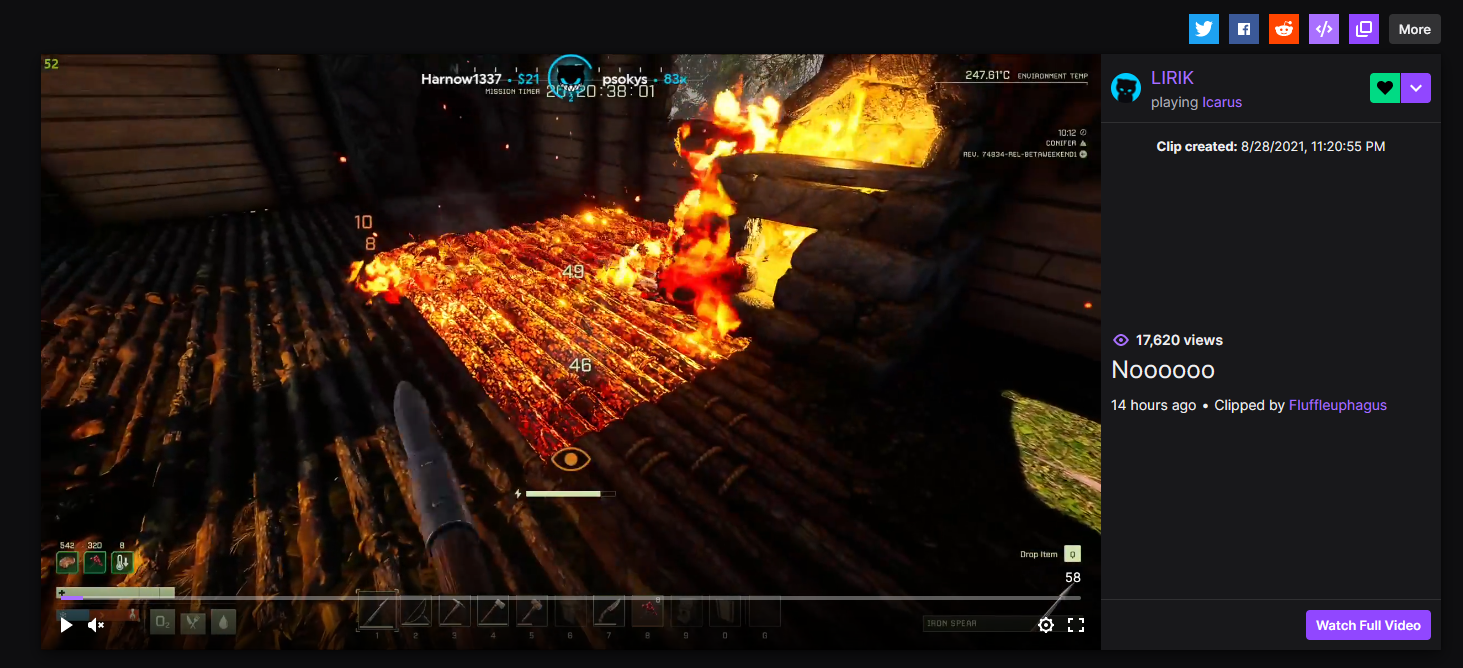
With chat